How To Play
Step 1 - Download the files
You can click here to download the files
Step 2 - Registration
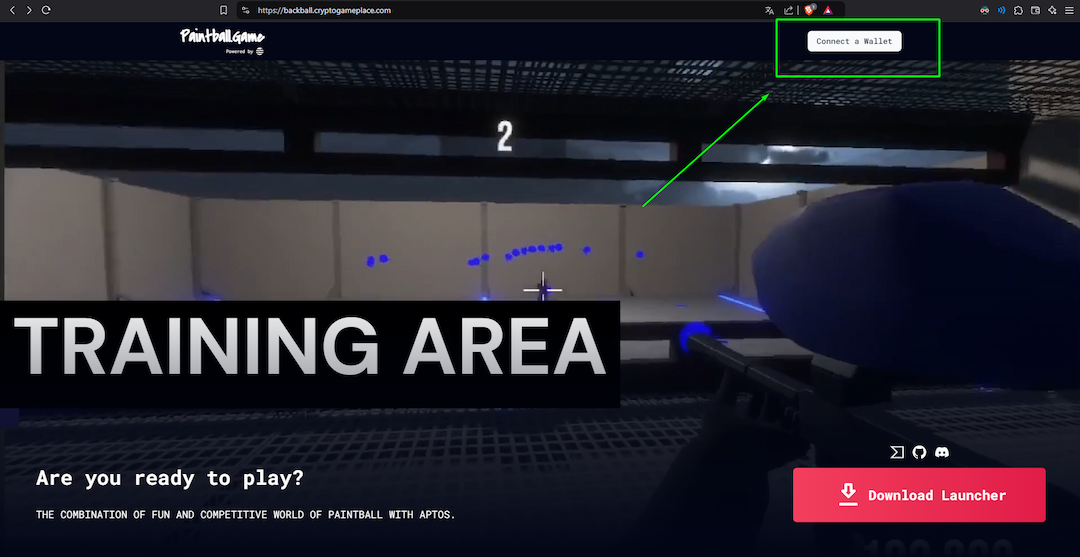
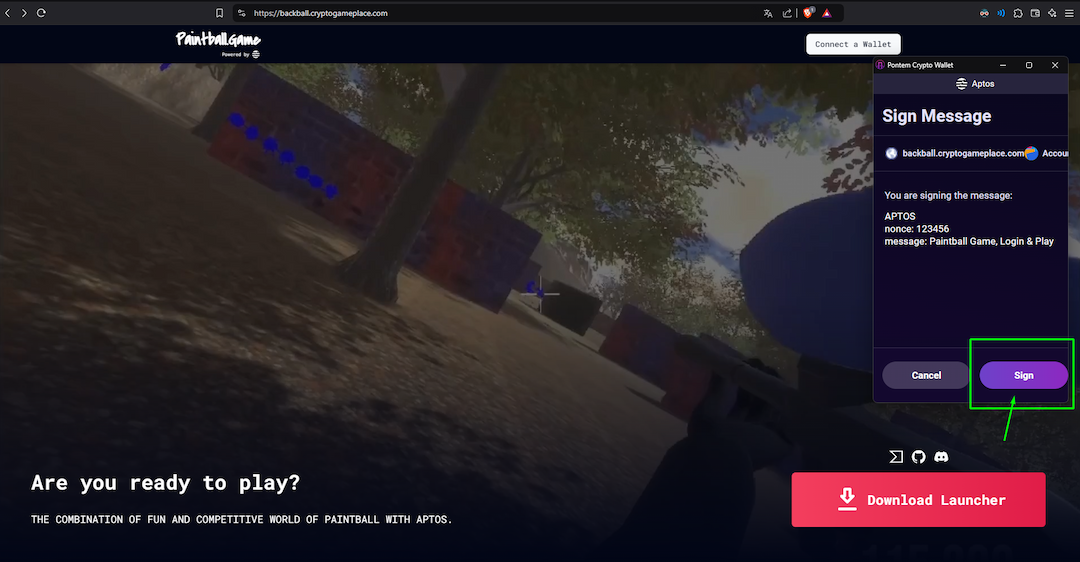
- Go to this link and register with your web3 wallet.
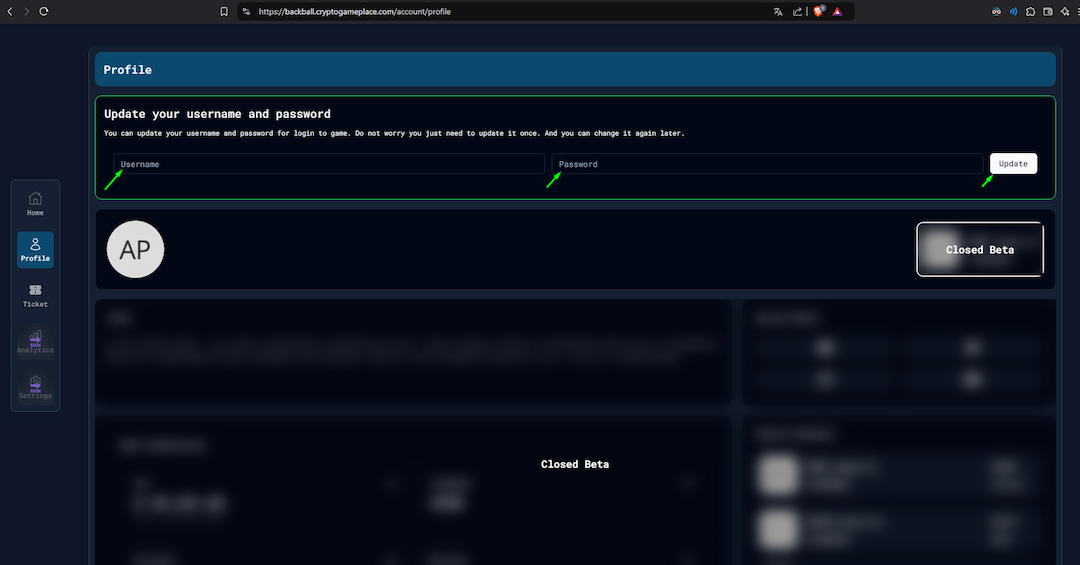
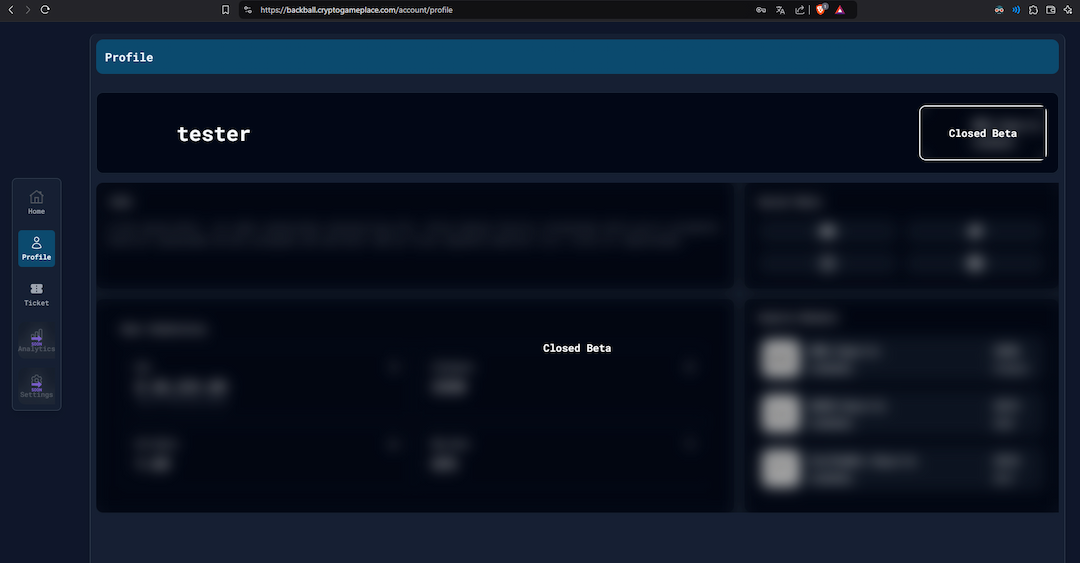
- After register/login you have to set your username and password.

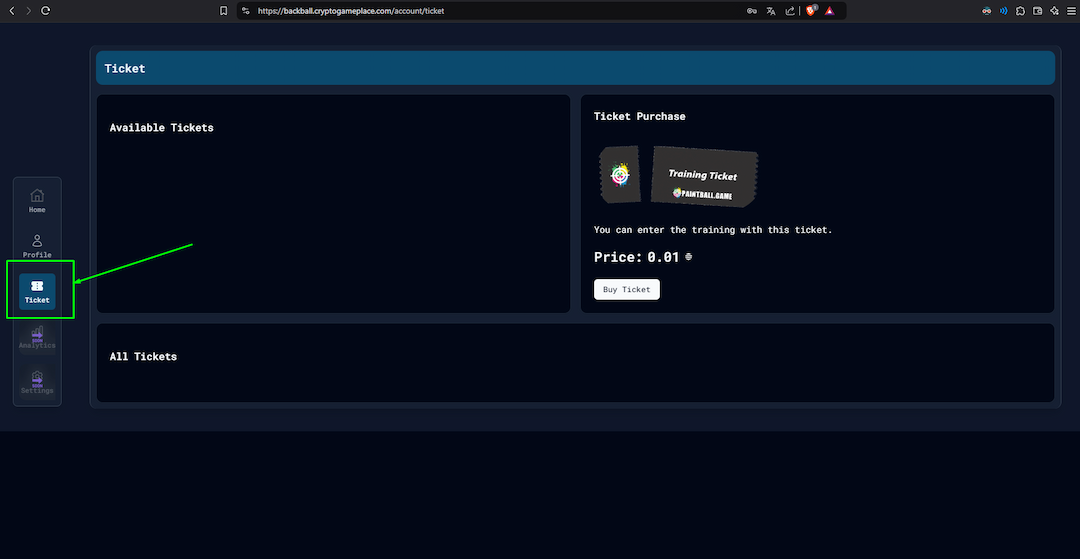
Step 3 - Training Tickets
- Go to this link
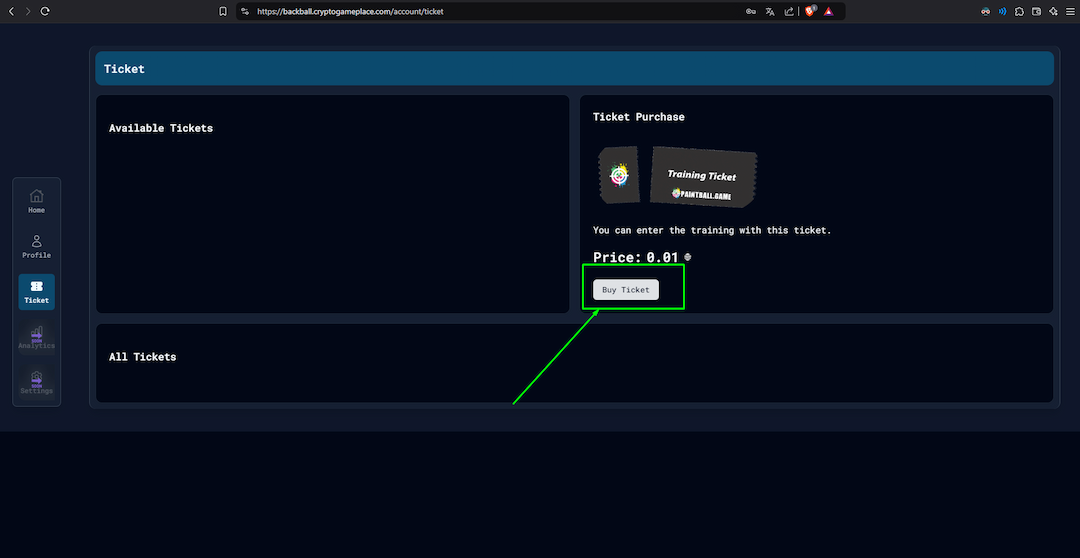
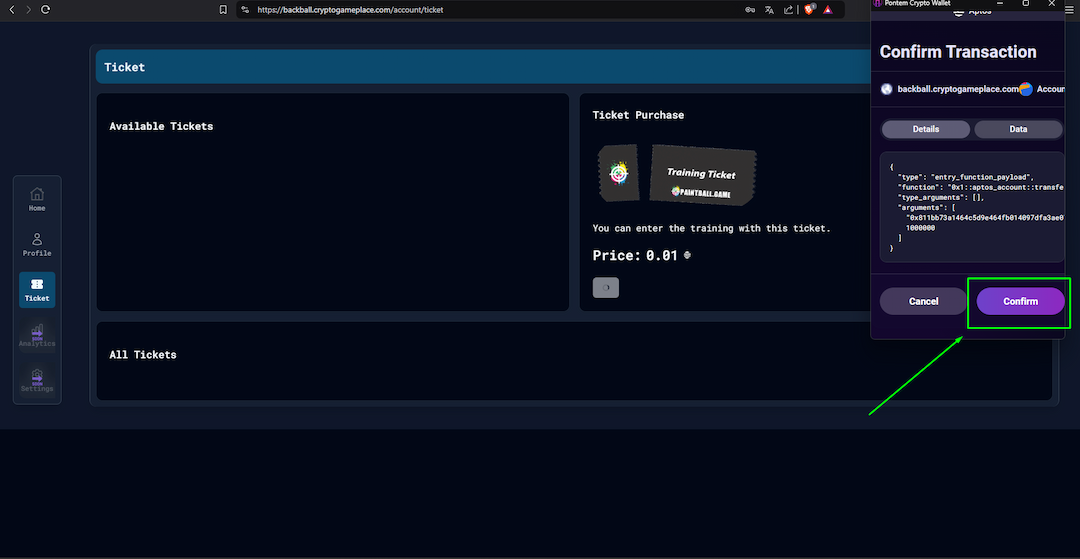
- Click on the "Buy Ticket" button and confirm the transaction
Step 4 - Start Training
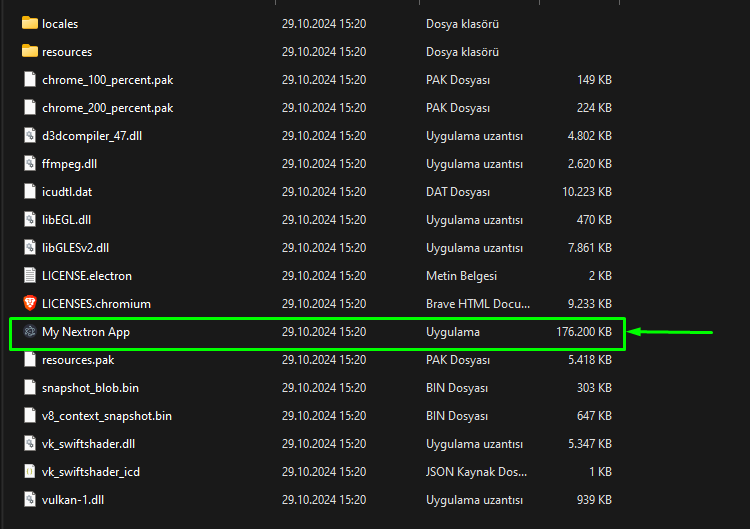
- Extract the game files and open the launcher.
- Double click on the "Paintball Game"
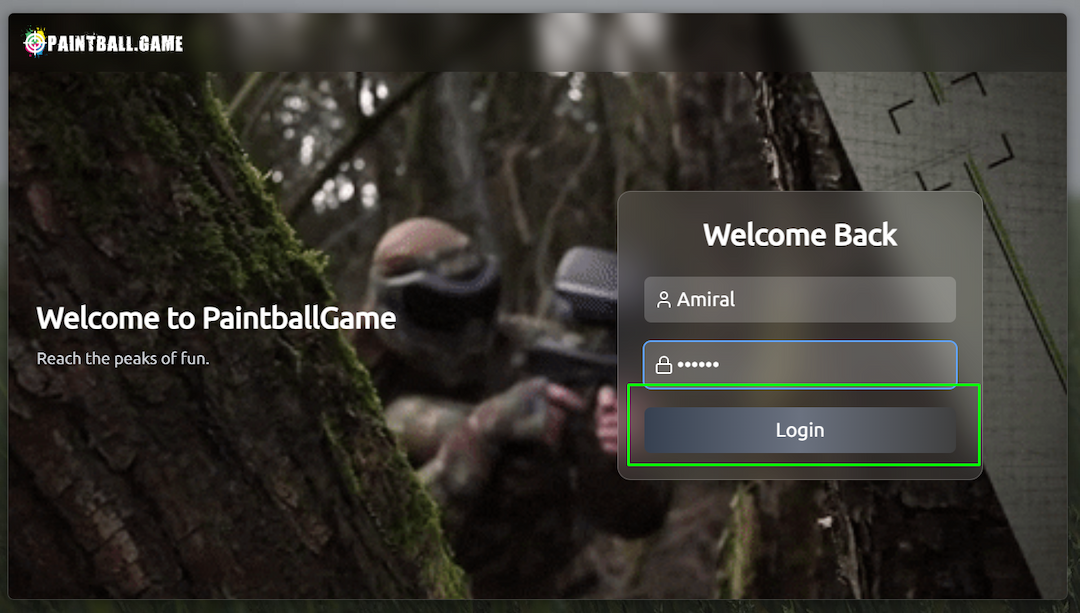
- Enter your username & password then click Login
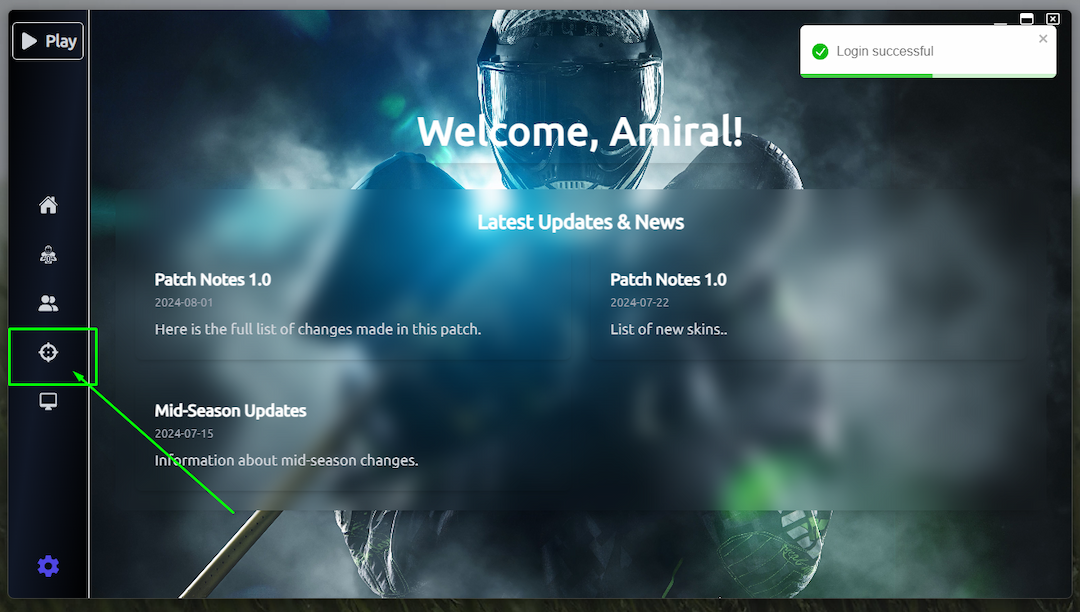
- Click on the training area in the sidebar.
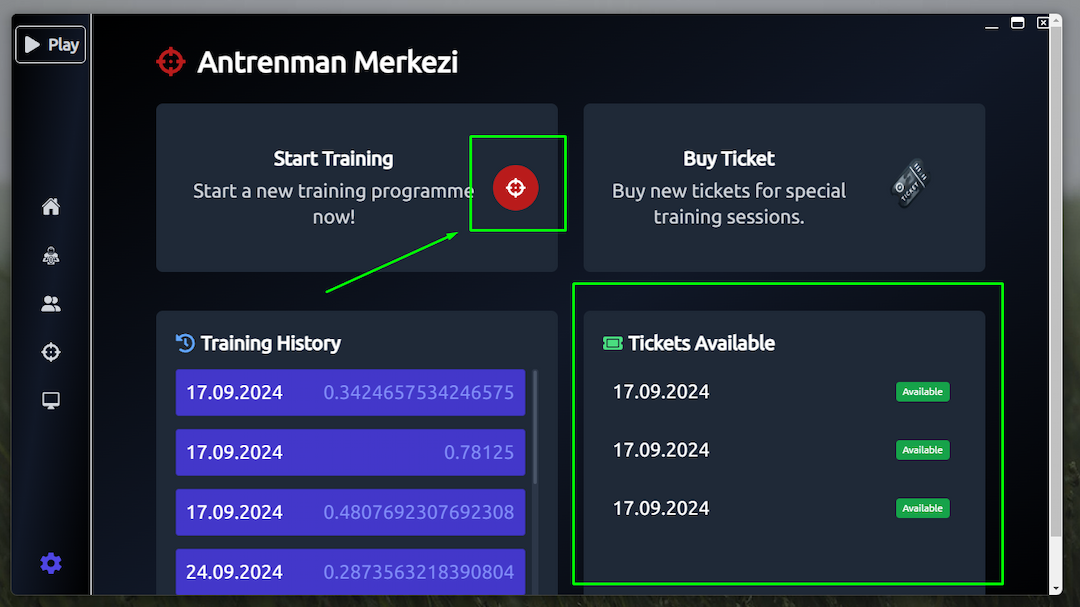
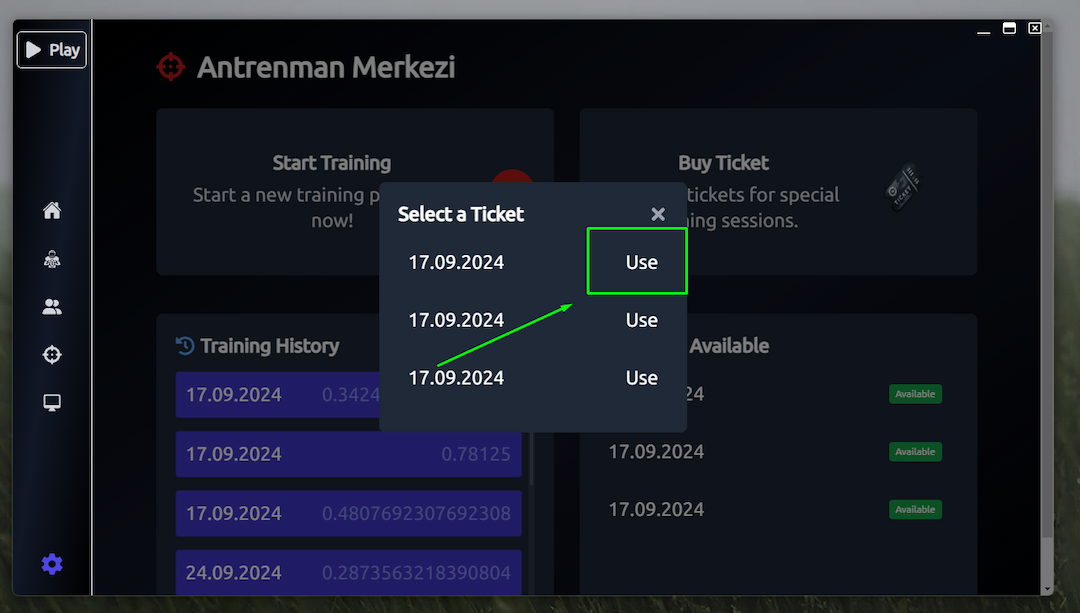
- You can see your available tickets. Click to aim icon.
- Click 'use' button and wait for the game to open.
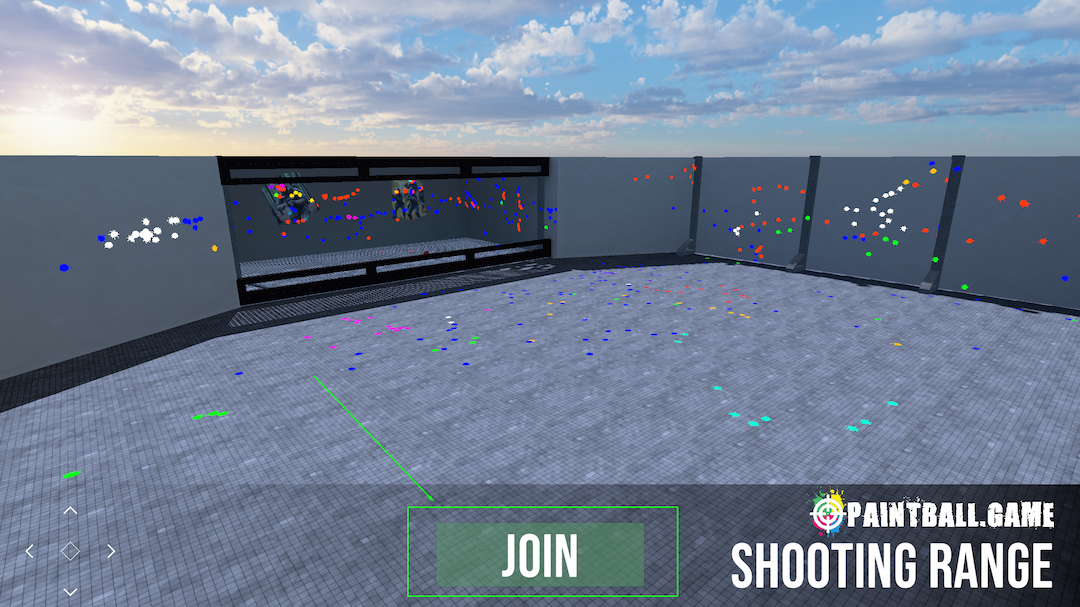
- When the ‘Join’ button appears, click it and enjoy the game.